Bicep Heart AI Trend
EN
Make my video

Your video is one step away

Sign-in is free and needs no card. We never publish your photo.

By continuing you agree to the terms and privacy policy.

Lean In

Close to the lens: a chat, the flex up close, then back to you. A bedroom with a mirror and curtains behind, seen from a handheld front camera close to the face.

Updated Nov 8, 2026 · By the Bicep Heart AI Trend team

01 Add your photo

Face, hair and outfit visible. JPG, PNG or WebP, up to 10 MB.

02 Pick the template

03 Choose your qualityCredits never expire

Standard · 720p · 9:16More options: model and format 10 credits

Model

Format

By generating, you confirm the photo shows you or people who gave permission, all 18 or older, and no celebrities or public figures. Terms · Privacy

Pick your videos

Pay once and your video starts right after checkout.

VISA AMEX

By paying you agree to the Terms and the Refund policy.

Lean In: Close to the lens: a chat, the flex up close, then back to you

Make this video

About this template

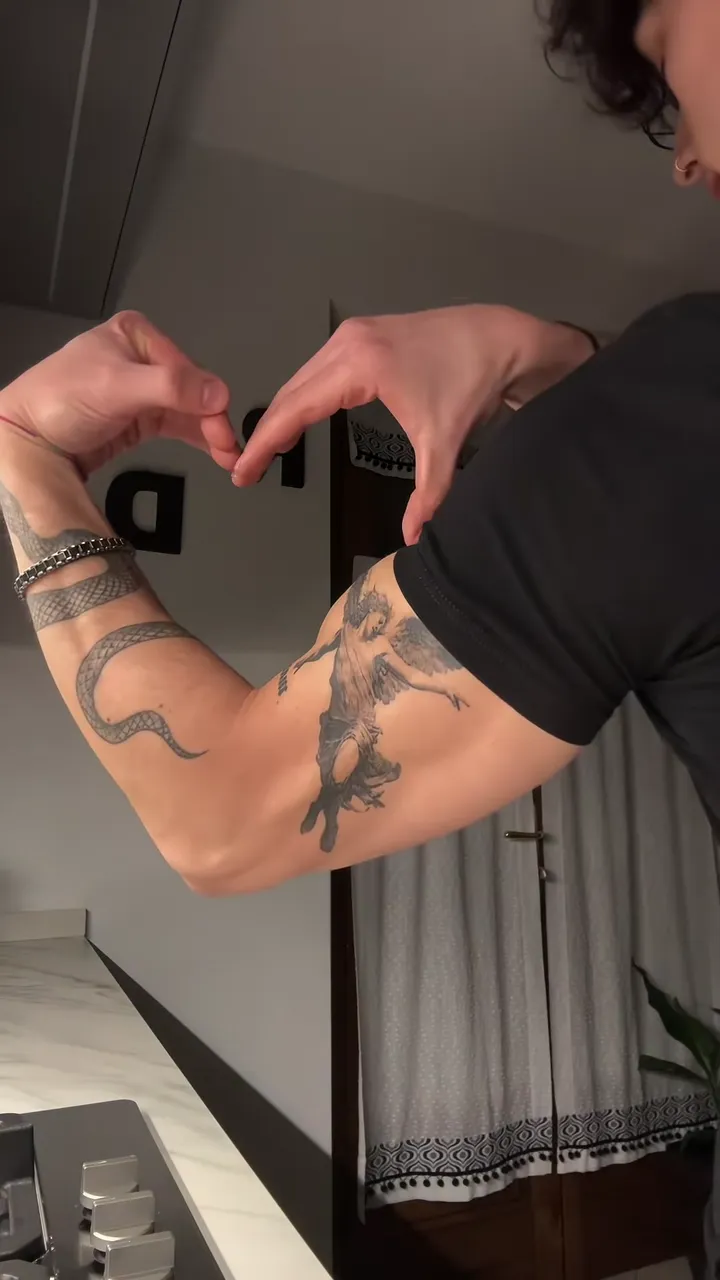
The Lean In take is the playful one: you start close to the front camera as if you are about to explain something, then the flexed arm swings into frame and the heart fills the screen before you lean back in to finish. It runs about 12 seconds, the longest of the three, and the arm is the star for a few of them, so it suits a photo where your arms are visible.

Tips for the lean in

  • A close, well-lit face photo matters most: the first and last seconds are tight on your face.
  • Short sleeves or a T-shirt help: the arm fills the frame in the middle of the clip.
  • No sound is spoken: your lips move a little at the start, and the trend sound plays over it.

What is already set for you

  • The subject: the person from your photo, in exactly the clothes from your photo.
  • The scene: a bedroom with a mirror and curtains behind, seen from a handheld front camera close to the face.
  • The timing: Every take reaches the closed heart by the middle of the clip and holds it for two to four seconds.

You do not write any of this. How the built-in prompt works.

Make this video

Other templates

  • Bed Selfie: sitting on the bed, phone propped up: flex, heart, smile
  • Bedroom Flex: standing, full outfit in view: step back, flex, heart, pose

Questions

FAQ

What do I get with the Lean In template?

With the Lean In template, Bicep Heart AI Trend turns your photo into a bicep heart ai video set in a bedroom with a mirror and curtains behind, seen from a handheld front camera close to the face. Upload it, select the template and generate.

What does the lean in look like?

On Bicep Heart AI Trend, the lean in is the person from your photo, in exactly the clothes from your photo. It is a generic design with no brand marks.

Why does the arm fill the screen in the Lean In bicep heart?

That is the move the Lean In take copies: in the original clip the flexed arm comes right up to the front camera, so the bicep heart fills the frame for about three seconds before the face comes back. Bicep Heart AI Trend keeps that framing; pick Bed Selfie if you want your face in view the whole time.

Your video is one photo away

Upload a photo, pick the template, generate.

Make my video